mirror of
https://github.com/XyronLabs/Luna-vscode.git
synced 2026-11-01 20:31:13 +01:00
Luna extension for Visual Studio Code
- TypeScript 100%
| Filename | Latest commit message | Latest commit date |
|---|---|---|
| .vscode | ||
| snippets | ||
| src | ||
| test | ||
| .gitignore | ||
| .vscodeignore | ||
| CHANGELOG.md | ||
| logo.png | ||
| package-lock.json | ||
| package.json | ||
| README.md | ||
| tsconfig.json | ||


Luna
Features
Code snippets, commands and keybindings for Luna
Create Luna projects, auto-download and auto-update binaries
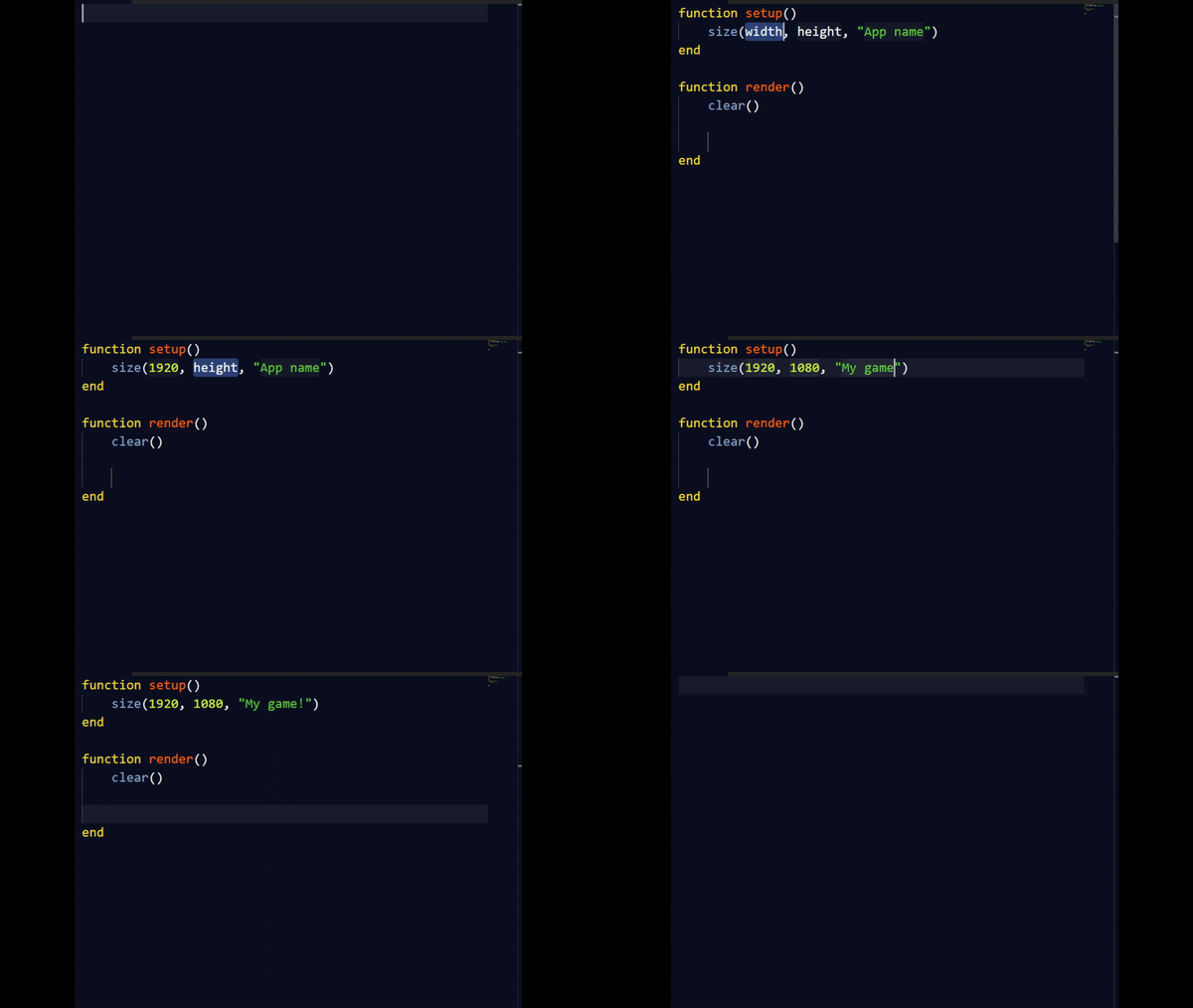
Get started
- Open a folder
- Run the command:
Luna: Create a Luna Project - Start typing
lunato get the snippet template for a Luna sketch - Press F12 to run your Luna application! (You can also use Command + R on MacOS)
- Go to the Luna wiki and start learning!
Links
- Learn more about Luna here: Luna GitHub Repository
- Download the latest release of Luna here: Luna downloads
Release Notes
1.6.7
- Fix error when creating main.luna